| |
|
 |
 |
Tip of the day
Did you know...
You can easily import your data with Import Wizard
|
|
 |
| Learn more |
|
News & Headlines
Latest news
21-nov-2007
MyBusinessCatalog Gold v.6.3.1
Now compatible with Windows Vista
Optimized Upload/Update options
Built-in migration wizard for moving Catalog from CD to end-users' computers
12-oct-2007
MyBusinessCatalog Gold v.6.2.2
Items and groups/subgroups can be highlighted with color.
User's images inserted in the forms will reflect your corporate style
better.
Background adjusts automatically to match image color.
Hierarchical structure and merging orders.
Consolidating orders from diverse branches/departments of the same customer.
News Archive
User's Testimonials
A word From our Users
Michael Brod
SoftKey Info
"We are now accustomed to huge volumes of products available on supermarkets’ storefronts, and the choosing the right thing is getting more and more complicated. Using a catalog for picking what we want to buy becomes a normal thing for many. Unfortunately, printed catalogs become obsolete too quickly, and they can be helpful only for a short length of time since they were sent out. Now, what can vendors do to make their catalogs serve for long and remain useful to customers? – Make them updatable..."
All testimonials
|
| |
| |
|
|
 |
|
 |
|
Download Center
The distributive package includes all you need to install and work with the software easily.
The unregistered version of the program allows evaluating and trying
all features of the Gold version with some restrictions of the Demo version:
- The top part of the Catalog’s main window displays the warning that the
unregistered copy of the program is being used.
- Product lists cannot be saved to disk.
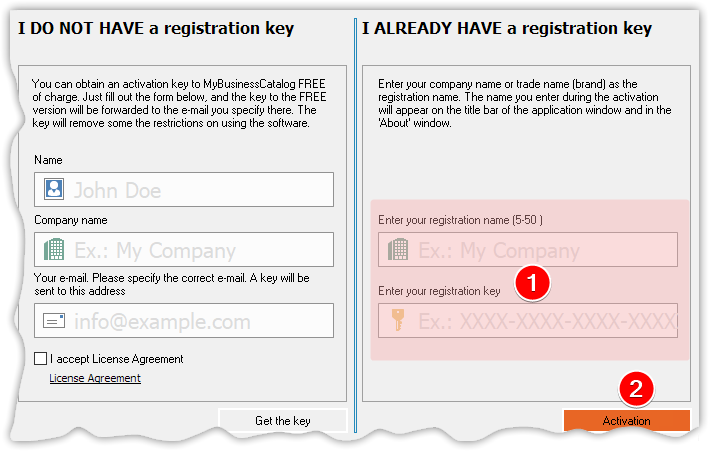
Registration removes these limitations.
Download / Installation instructions
Follow the installation wizard's instructions and complete the installation.
|
|
 |
|
 |
| |
|
|
|
|