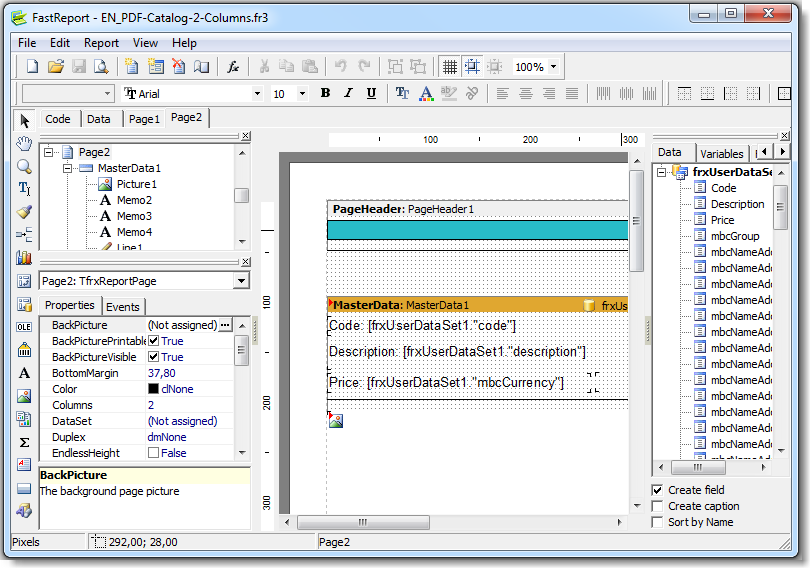
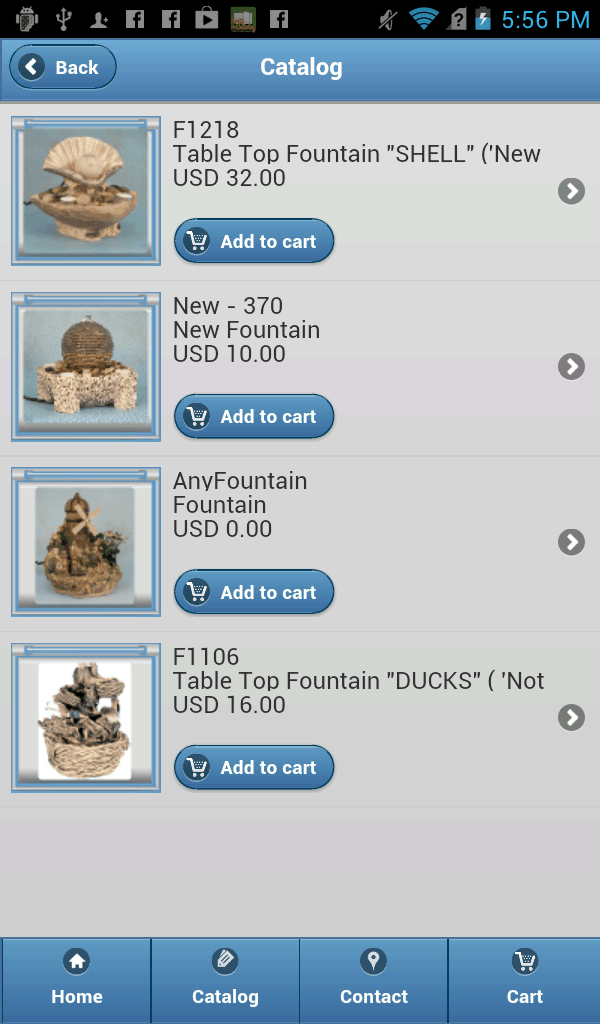
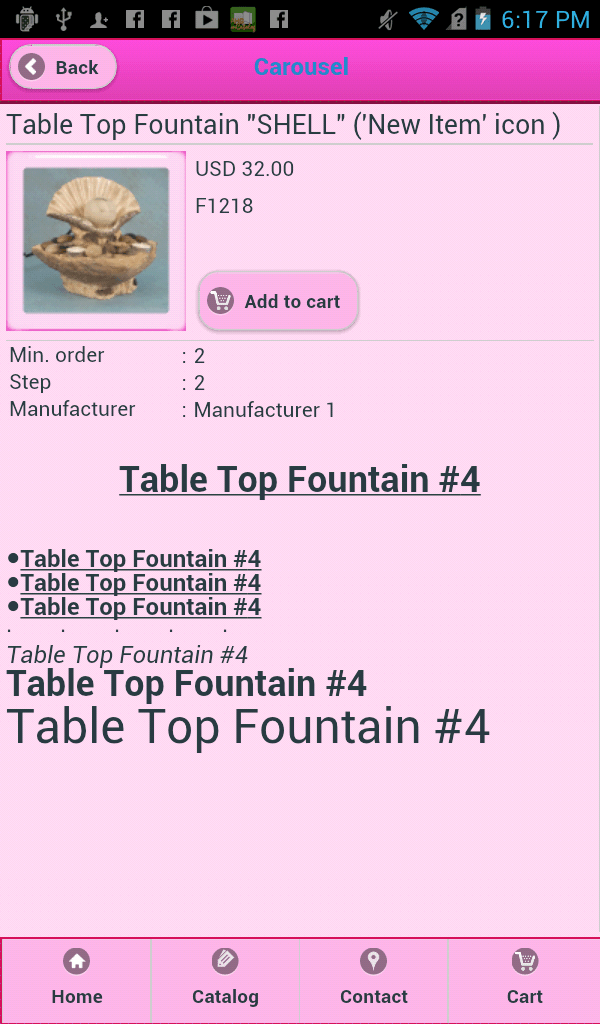
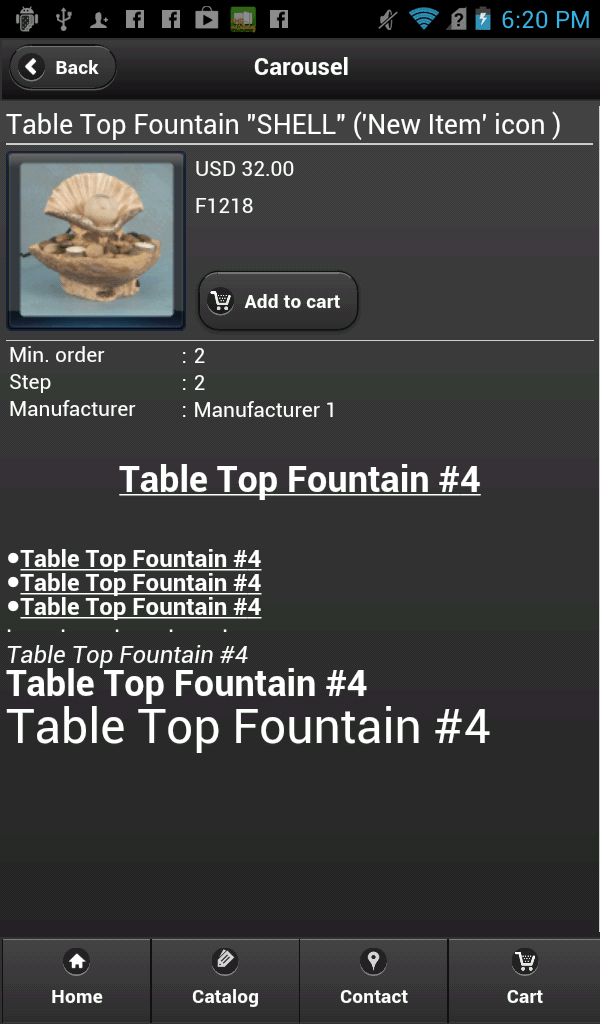
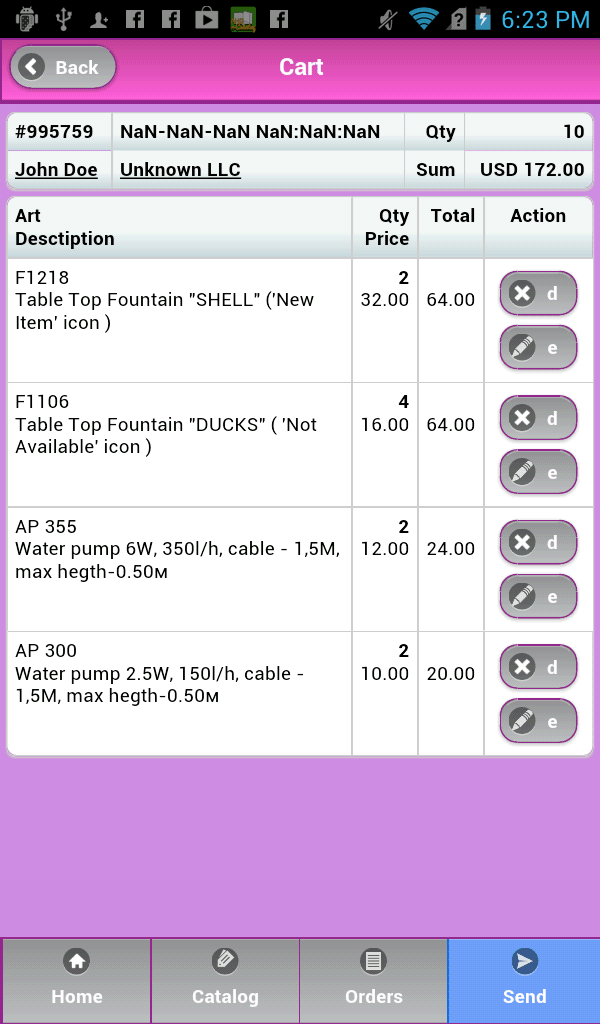
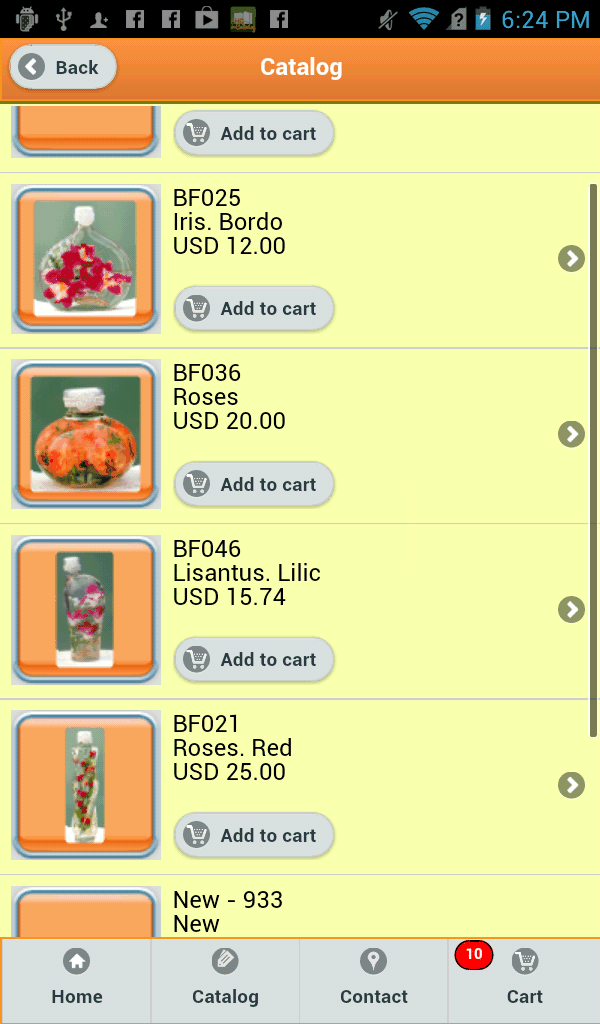
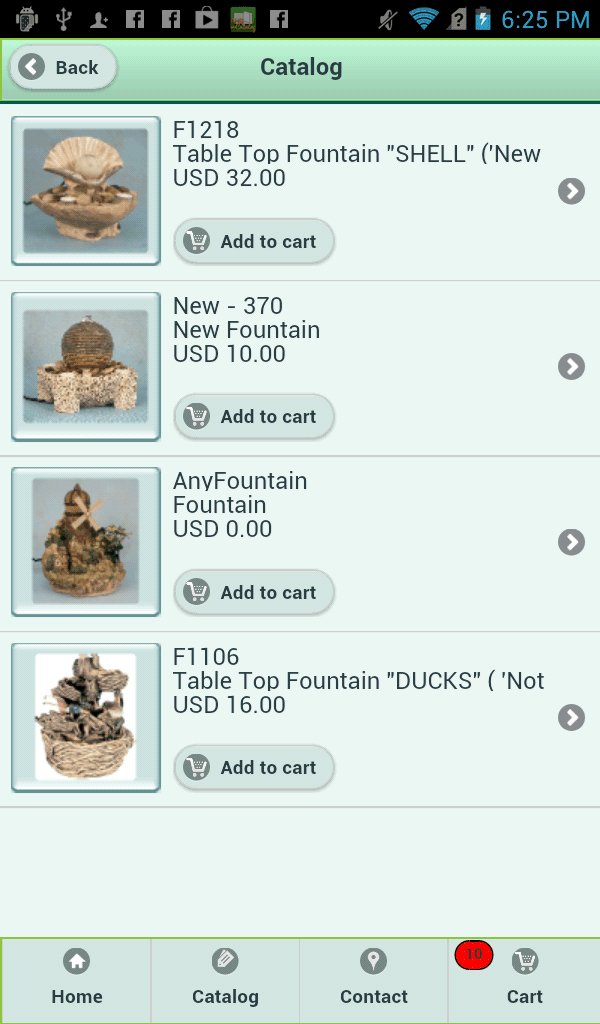
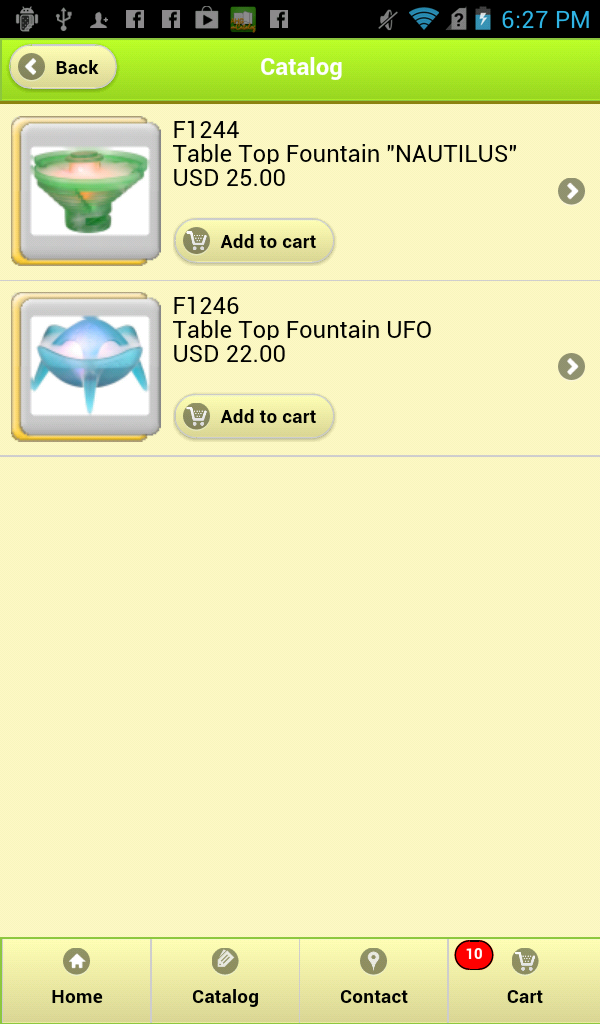
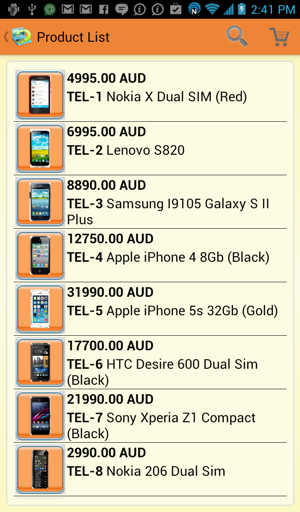
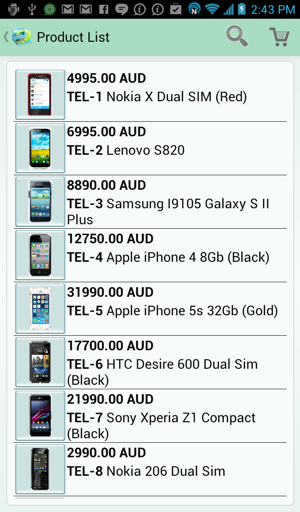
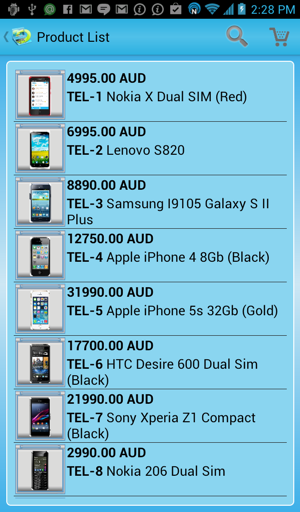
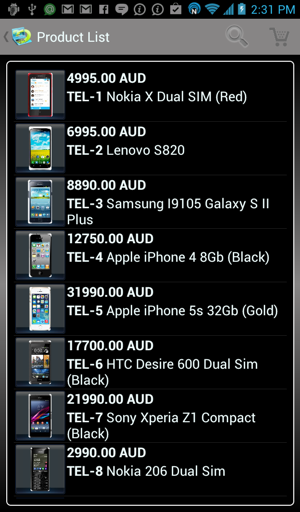
The our catalog software implements the skins approach to managing its appearance. It
enables you to choose the best one out of over 230 available skins for YOUR
media products catalog. Once you've made your choice, you can further fine-tune
the appearance of your catalog. For more options on managing the appearance
of your digital catalog, please
click here.
Main window.
![The media catalog main panel]](/images/goldsmall1.png)
All of the catalog commands are available in the program's main window.
MyBusinessCatalog allows creating product catalogs on media (CD/DVD/Flash drive) to provide
your customers with the latest information on your products.
Create and submit orders via e-mail to one of your branches / sales
departments right from within the program.
Prompt your customer for additional information upon order submission;
credit card or discount card number, Tax ID or other information you may need.
The catalog can be written on a CD to be handed to your customer, printed,
exported to one of the popular formats (PDF, TXT, CSV, HTML, XLS,
BMP, JPEG, TIFF, RTF, and XML) or e-mailed to the customer from
within the program. Any of these actions can be applied to
the entire catalog, selected group of items or selected items.
Your user's CD catalog can be updated via the Internet. Your customers
can create an order, print it or send it via e-mail from
within the digital catalog. You can enter several recipients to
handle the order in different branches or sales departments.
The extensive customization features make MyBusinessCatalog an
irreplaceable assistance in your business!
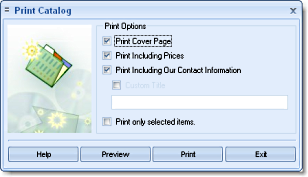
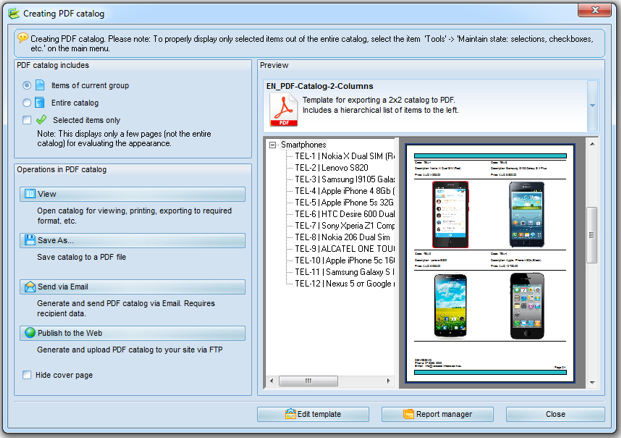
Print Catalog
The catalog print window. The printed catalog can contain either the
complete list of products or the selected items only. The catalog can be
viewed, print, save in one of the supported formats (TXT, CSV, HTML, XLS,
BMP, JPEG, TIFF, RTF and XML) or sent via e-mail.
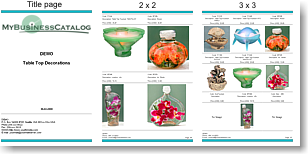
It is possible to print your catalog with your custom header and hide your
information and prices, which is perfect for handing the catalog to your
partners. You can enable or disable this feature as necessary.
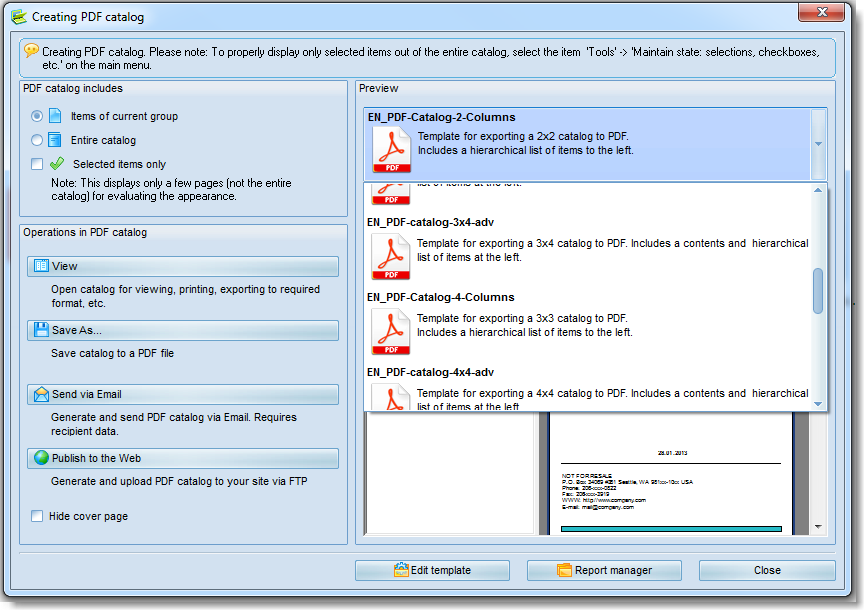
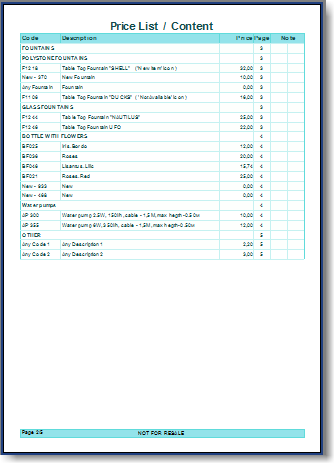
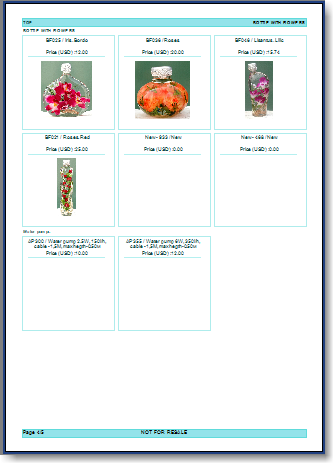
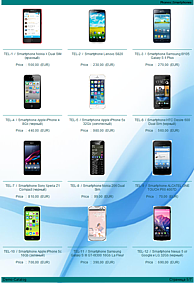
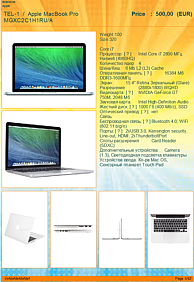
Download an example of printable catalog in PDF (~728 Kb).
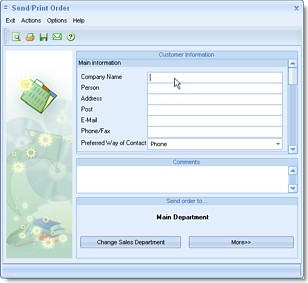
Order system
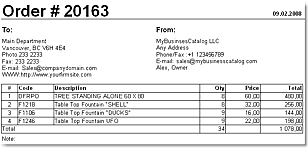
In the digital catalog, user can pick up items to be ordered and then print
the order or send it via e-mail. The catalog allows you to specify several
recipients of the order in your company's different branch offices or sales
departments.
You can also create an additional field for prompting your customer for more
information on submitting the order (Tax payer ID, discount card number,
customer ID according to your classification, etc.) The field can be set as
mandatory or optional.
Besides the text information in the order message, you can attach a file
with the order in a format convenient to you (PDF, XML, XLS, RTF, TXT, CSV and
MBC-XML).
The last one is usually convenient for the automatic parsing of your orders
with your software.
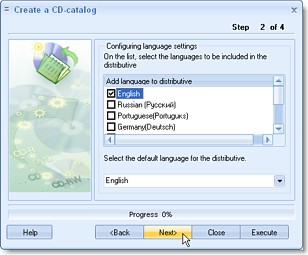
Make Catalog on CD
The CD creation wizard includes just a few easy steps. Your catalog made
ready for the distribution can be written on a CD using Windows XP's
standard tools or saved to any folder and then written on a CD using any
other technology available to you.
You can write your catalogs on CD right in your office as needed or, having
created one copy, use it as the master for replicating the disk in the
CD-replication companies.
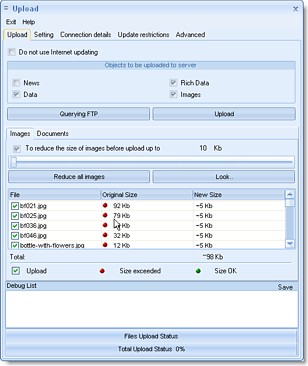
Update/Upload
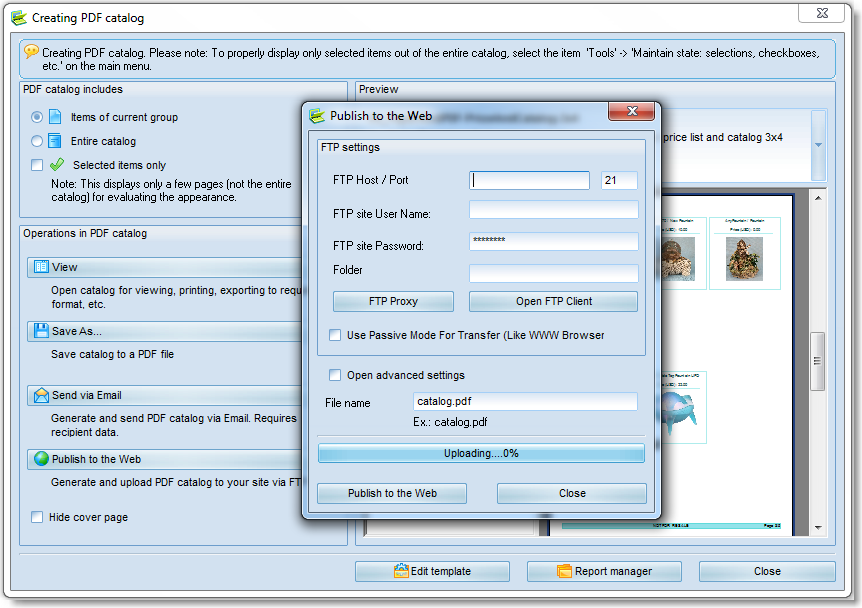
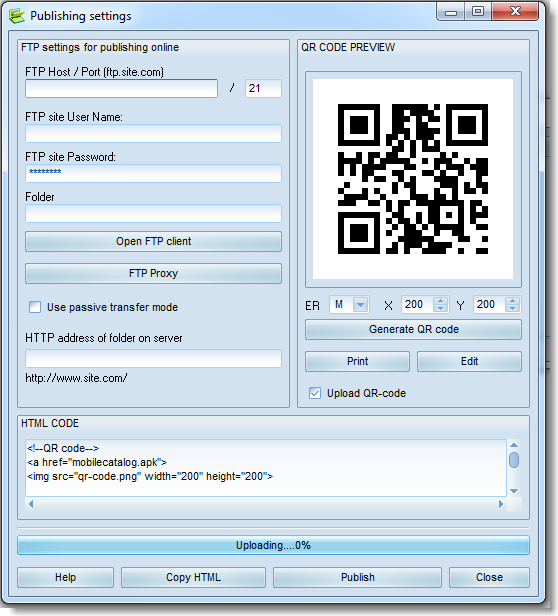
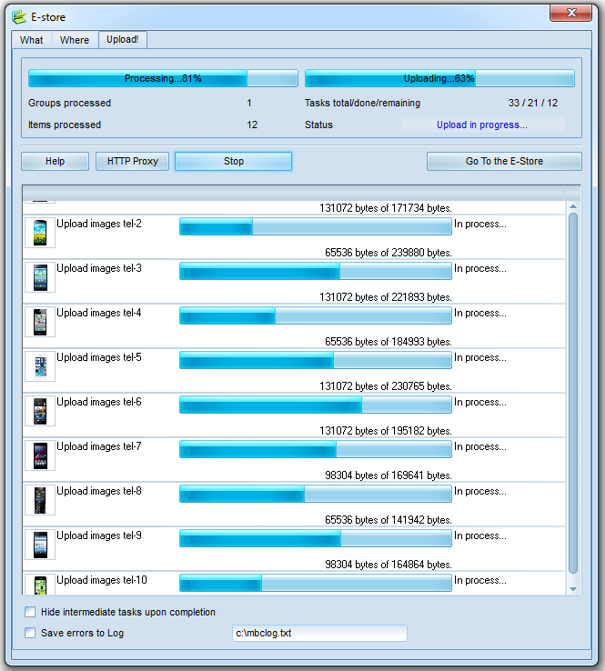
The picture on the left displays the window for uploading the refreshed data
to the Internet. Set up the access to your folder on your Internet server
once and then upload your updates with a single mouse click.
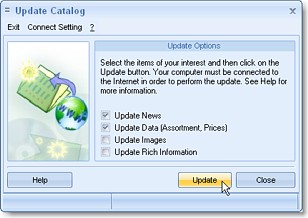
The user's CD version of the catalog has a menu item that opens the updates
downloading dialog. The users receive news and price lists in any case; the
additional descriptions and photographs - optionally, depending on the
Internet connection speed.





![The media catalog main panel]](/images/goldbigen1.jpg)