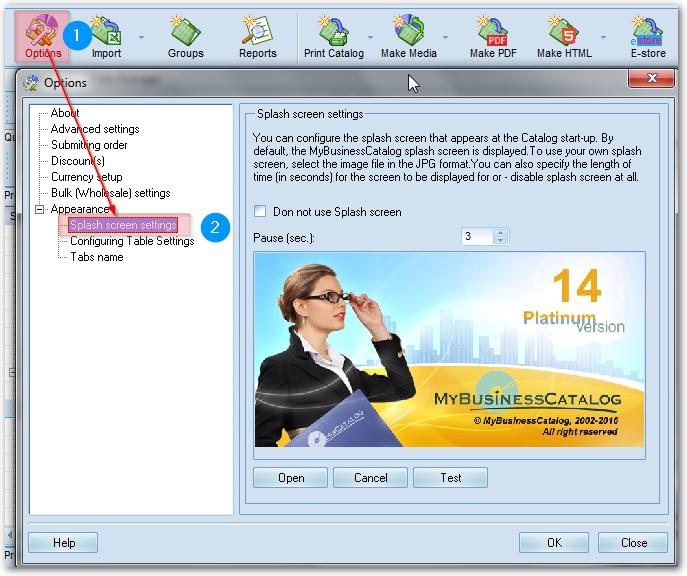
You can configure the splash screen that appears at the Catalog start-up.
By default, the MyBusinessCatalog splash screen is displayed.
To use your own splash screen, select the image file in the JPG format. The image size is to be 400x200 pixels.
You can also specify the length of time (in seconds) for the screen to be displayed for or disable splash screen at all.
By default, the MyBusinessCatalog splash screen is displayed.
To use your own splash screen, select the image file in the JPG format. The image size is to be 400x200 pixels.
You can also specify the length of time (in seconds) for the screen to be displayed for or disable splash screen at all.