Please read this carefully.
The software allows performing certain operations over selected items
only rather than doing so over the entire list.
To
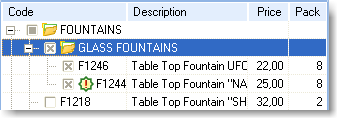
select an item, click on the checkbox by the position / group to be
selected.
You can print a price list or products catalog or launch a slideshow of selected items only.
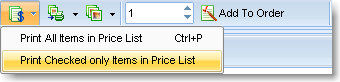
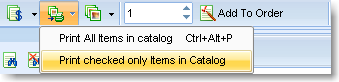
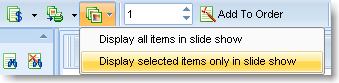
These button menu items are also available in the application’s main menu.
Use this feature to view in reports / print from Catalog only the information that you really need at the moment.